 kyphra
Private messages. Then they’re gone.
Kyphra is the iPhone messenger that does not keep a copy. End-to-end encrypted on the device. After you read a message, it has an hour. Then the key is thrown away.
iPhone · invite only · no directory · no cloud history
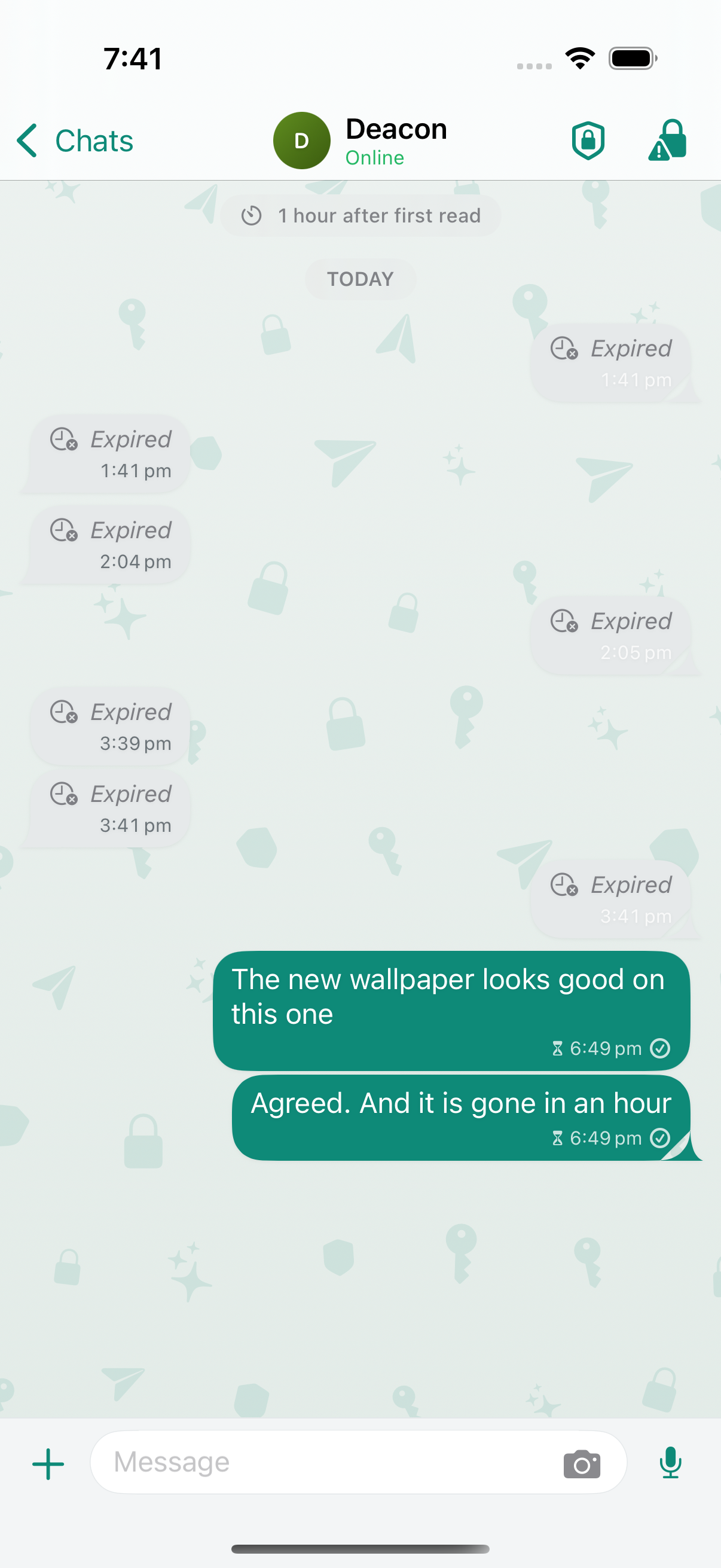
What happens to a message after you read it
| Signal | Kyphra | ||
|---|---|---|---|
| On the server | Until you delete it | Until it delivers | Never stored |
| On the phone | Until you delete it | Until you delete it | One hour after first read |
| How you meet people | Phone number | Phone number | A one-time invite link |
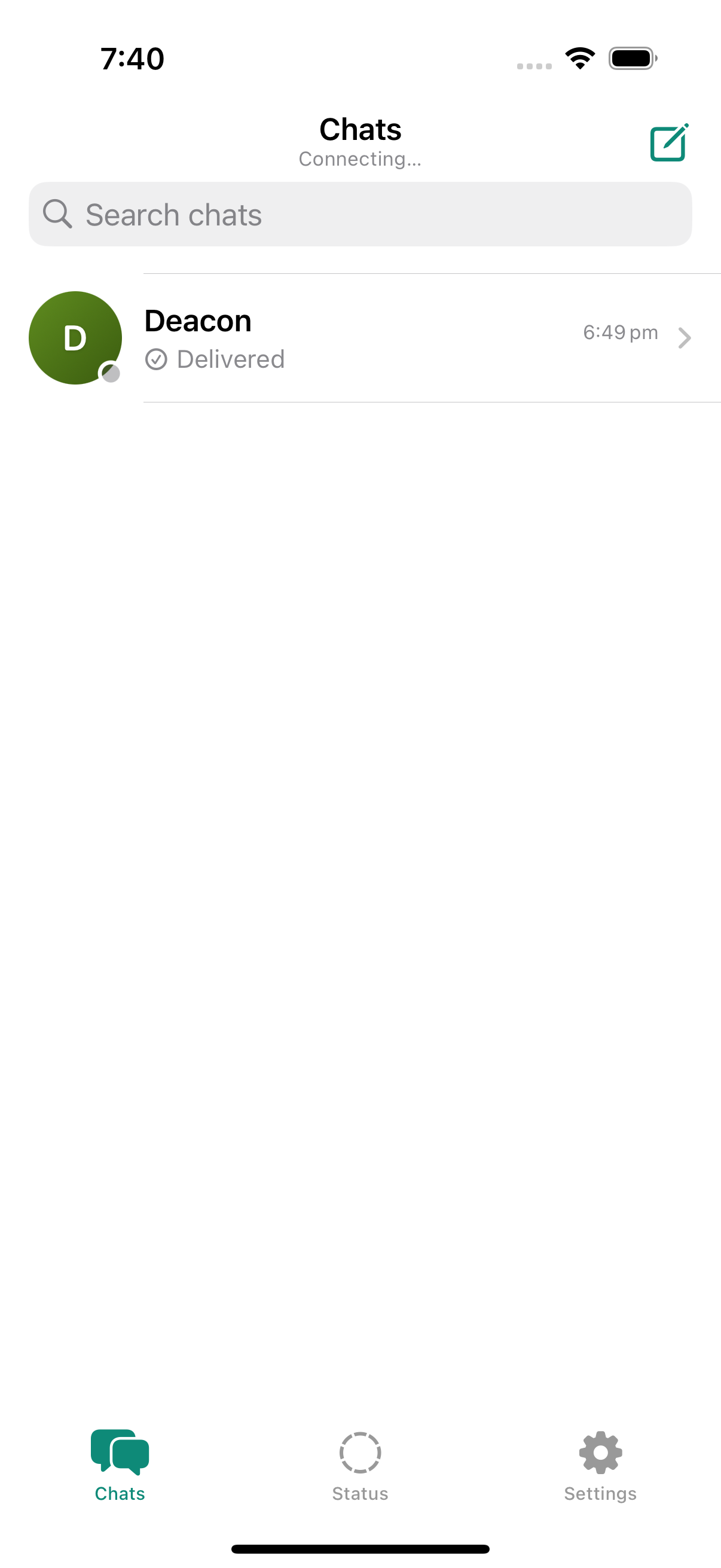
The list does not leak the conversation.
Shoulder surfers see names and “Delivered”, not the last line of the chat. Previews are off unless you turn them on. Burn-after-read never writes the body into the list.
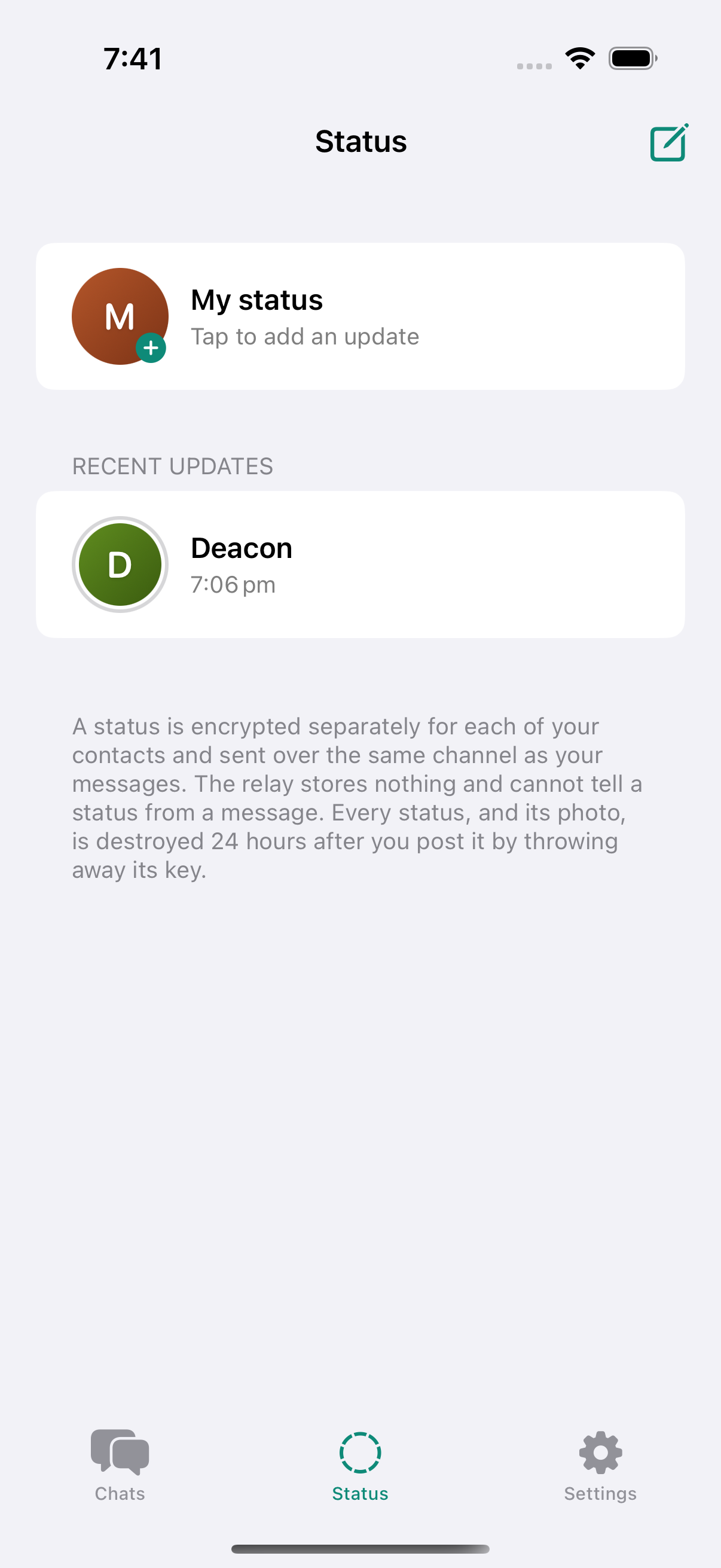
Status is a message, not a broadcast.
A status is encrypted once per contact and sent on the same channel. The relay cannot tell a story from a chat. Twenty-four hours later the key is gone.
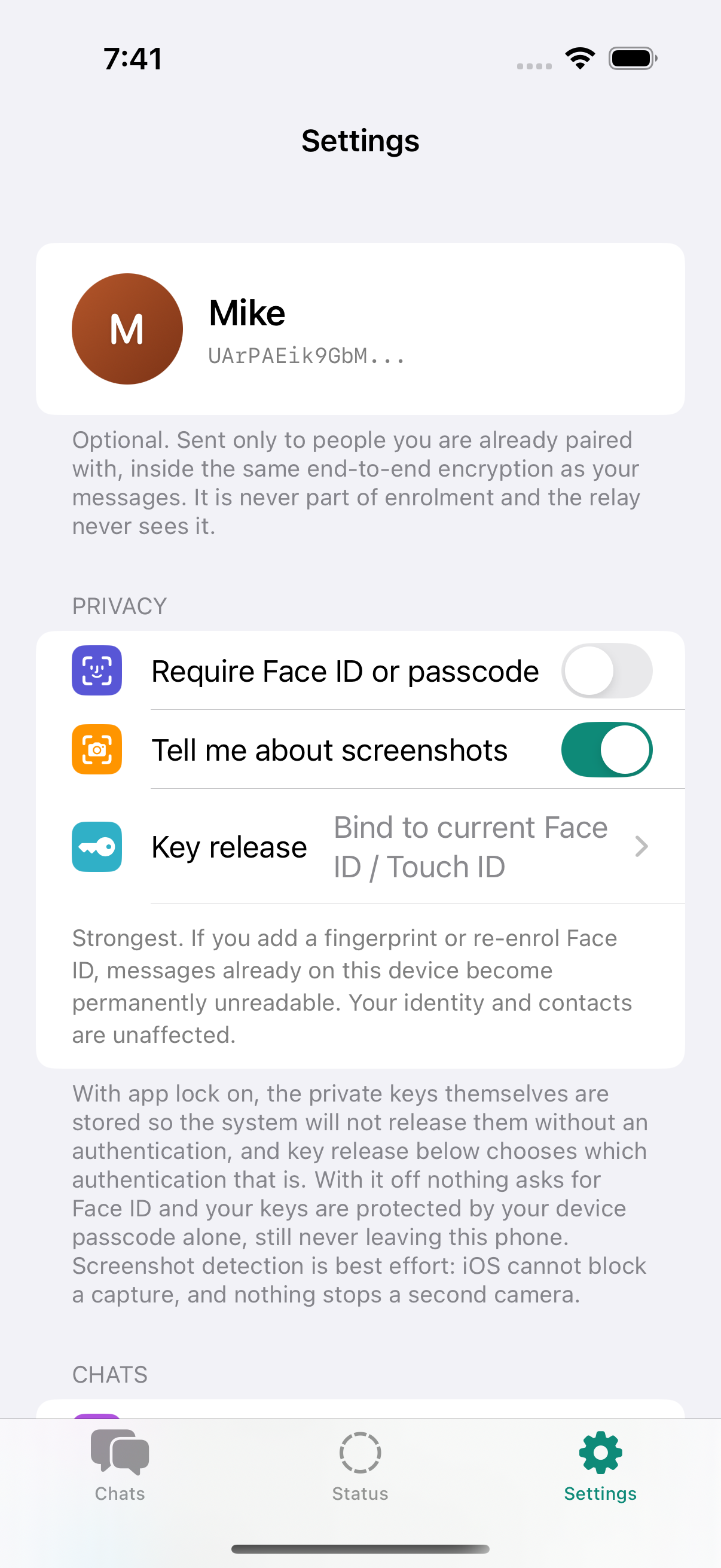
Lock the keys, not just the screen.
Face ID can gate the keys themselves. Panic lock is one tap. Screenshot alerts fire when iOS tells us. A second camera still exists — we say so in the app.
Groups without a group key
Invite with the same link. Everyone in the room becomes a contact. Each send is still a pairwise encrypted copy. Cap 16.
Voice, photos, files
Hold to record, send with a button. Files are encrypted before they leave the phone. Saving out of the app is a choice you can turn off.
Safety numbers
You pin keys when you accept an invite. If they change, sending stops until you compare numbers in person.
Get on the list.
Kyphra is on iPhone, by invite. Leave an email. If you already have the app, send someone the link from inside a chat or a group — that is how people join.
No newsletter. We only write if there is an invite.
Already on Kyphra? Open a chat or a group, tap invite, send the link. The other person opens it once. You both pin keys. That is the whole onboarding.